FROM COMIC TO PRACTICE / POST 105
Make the useful path the easy path.
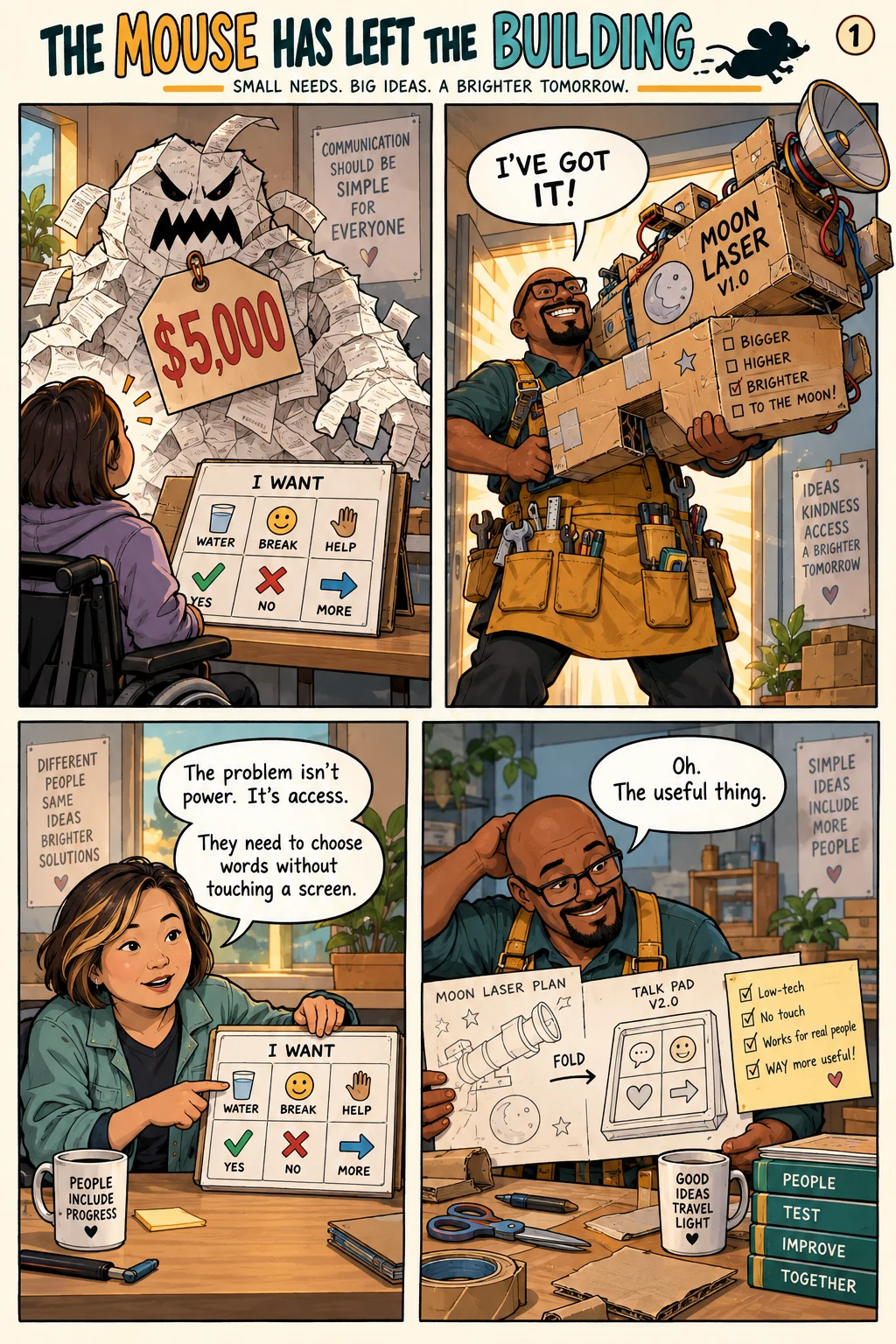
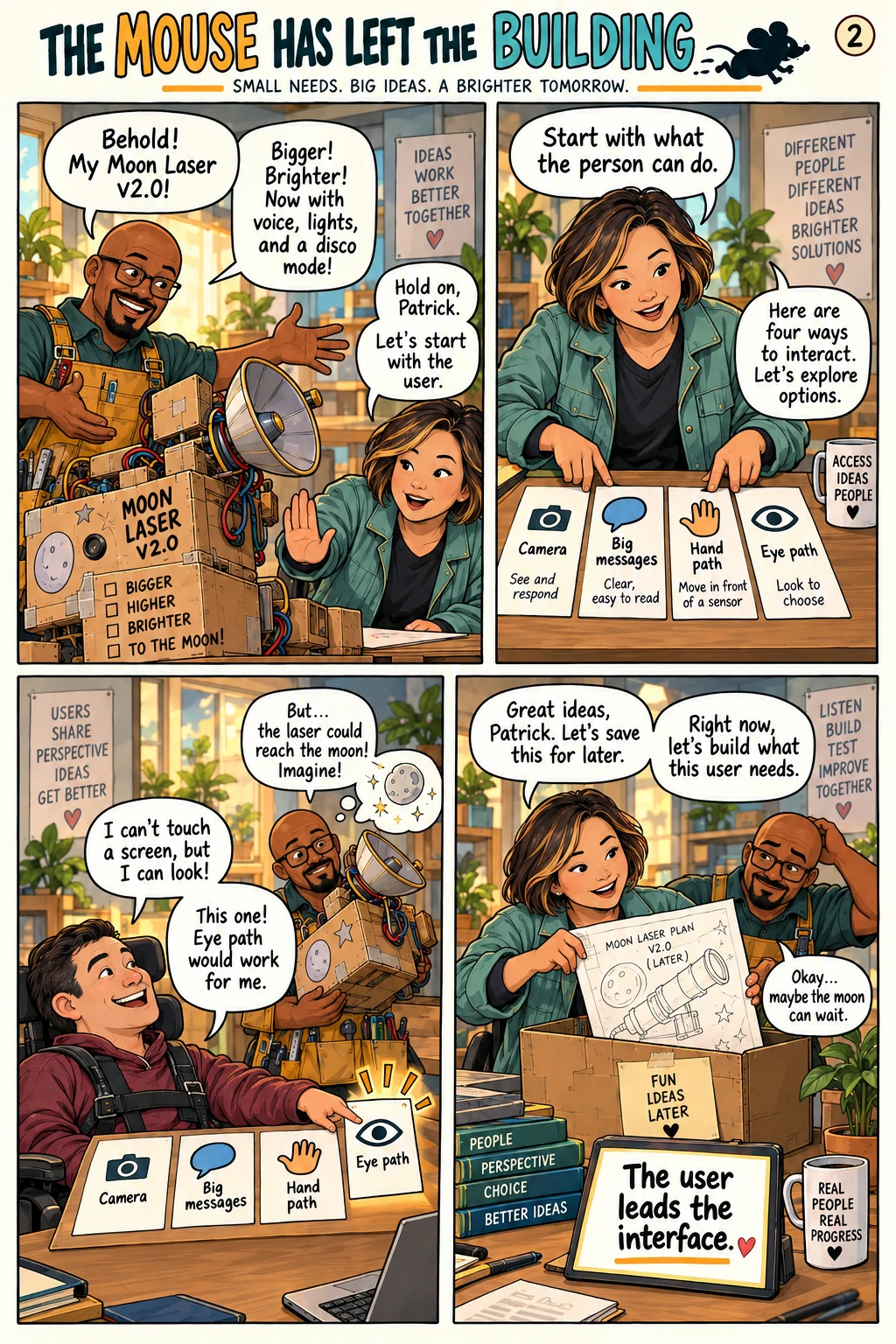
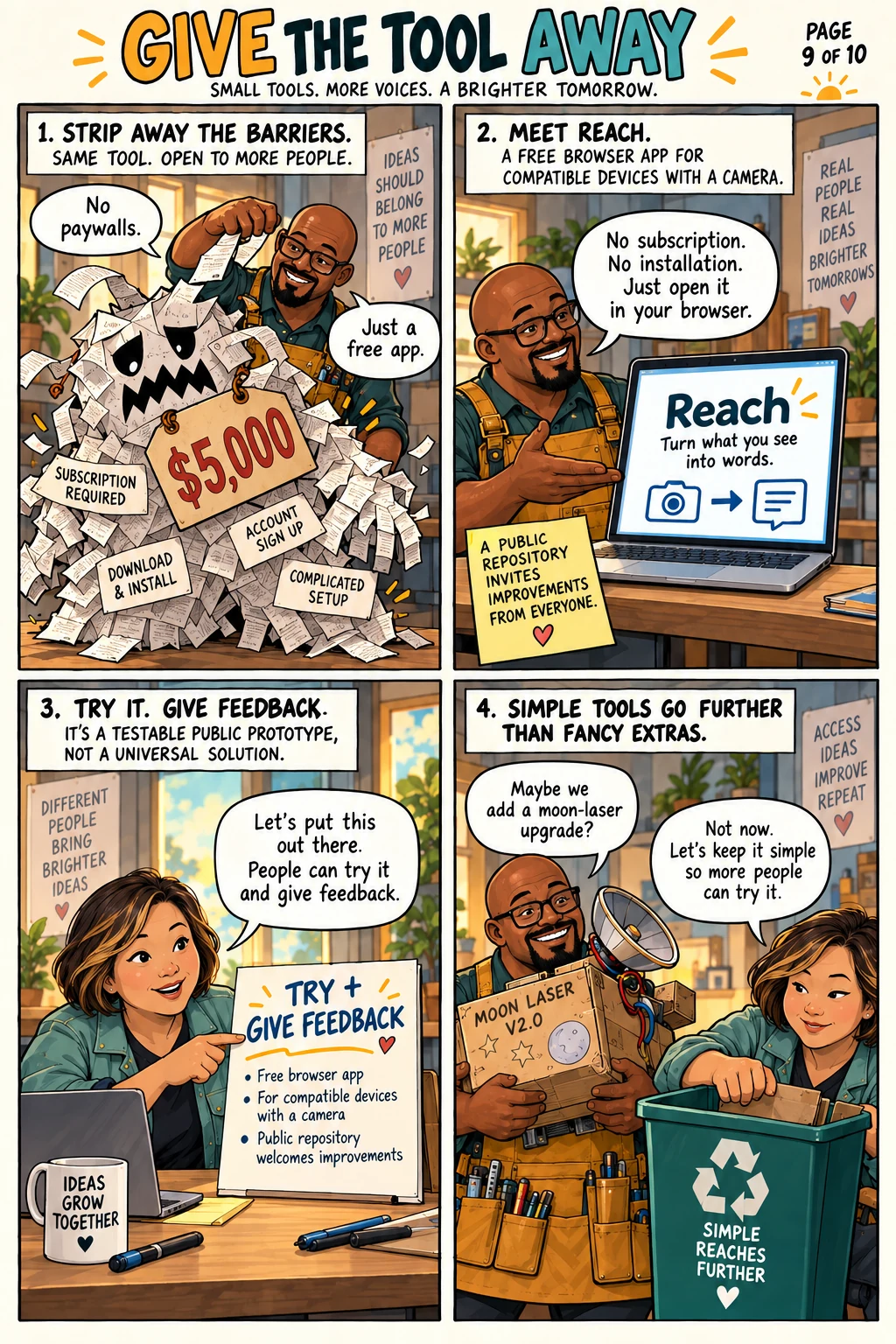
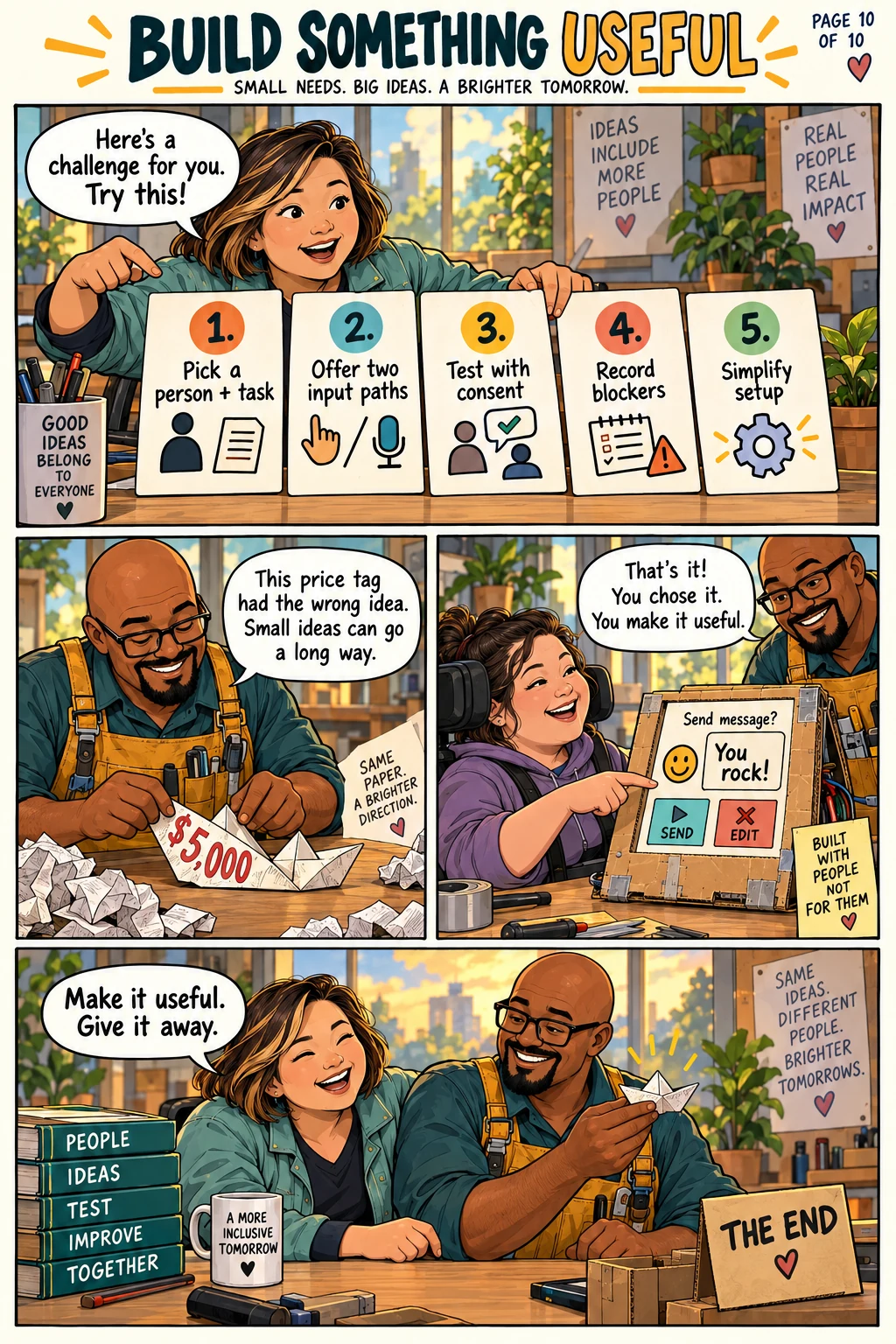
Patrick’s Reach post starts with a practical access problem: how can someone choose a message when speaking or touching the screen is difficult? The comic turns the expensive equipment and messy prototype into a science-invention farce, while Su keeps bringing the work back to the person who will use it.
What Patrick actually built
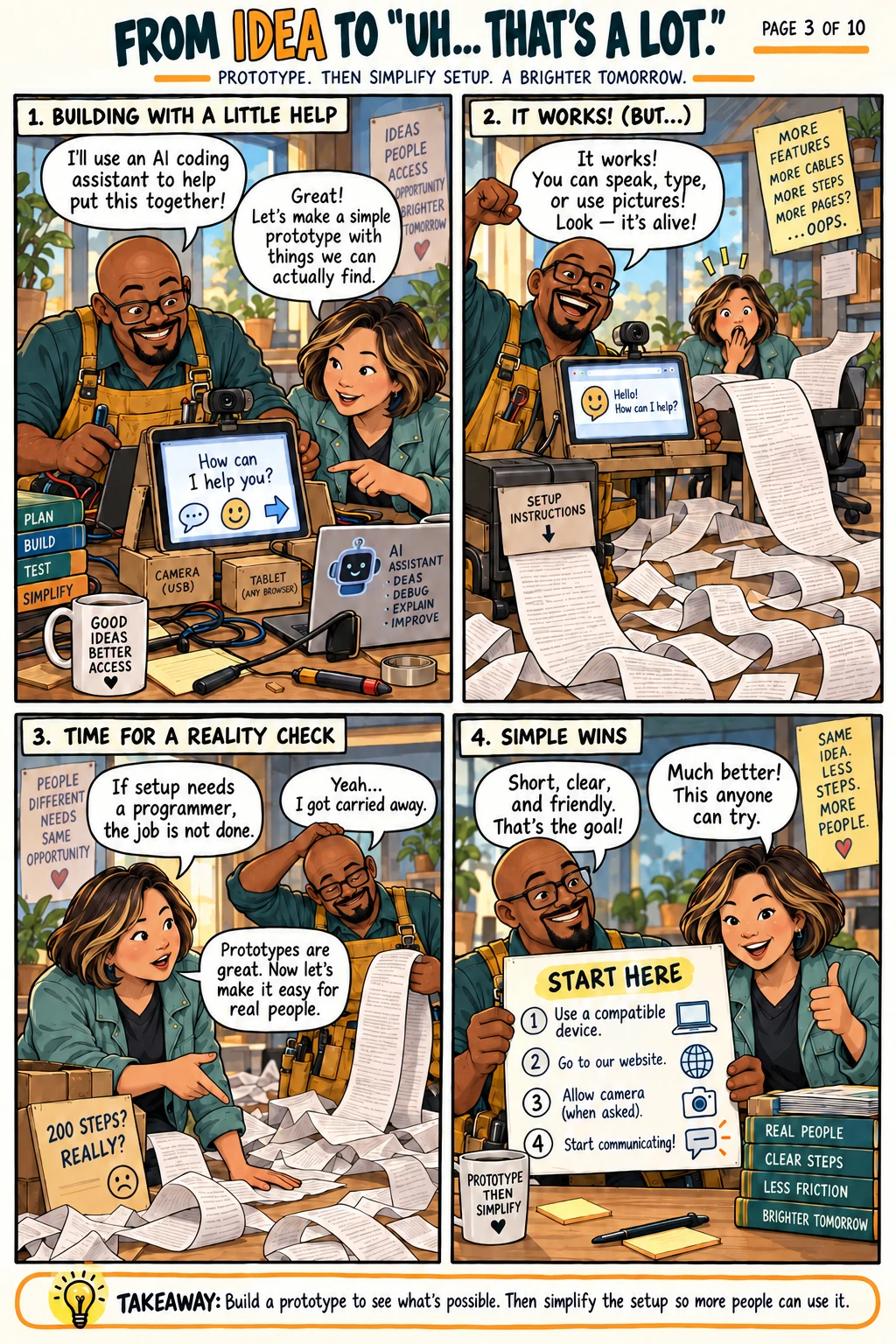
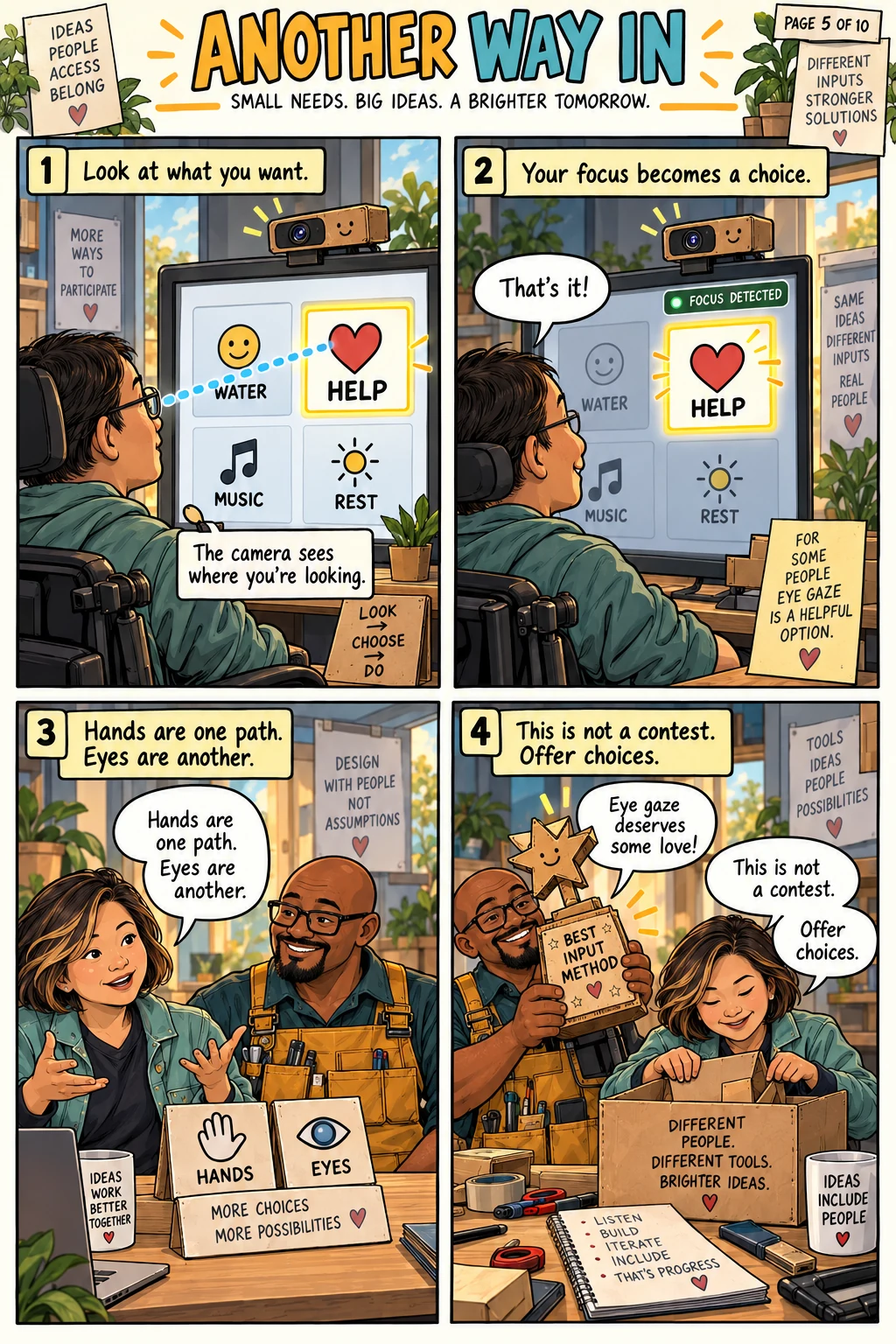
Patrick says an early tablet-based tool let Su select messages with hand or eye movement after her stroke. It worked, but setup was difficult. He later turned the idea into Reach, a free browser-based prototype for compatible devices with a camera, with no subscription or installation and a public repository. His follow-up describes eye-tracking control and selection and seven languages. These are descriptions of his project, not independent validation or a promise that it will work for every person or device.
1. Start with one person and one task.
Ask the person which messages matter and how they want to choose them. Record what they can comfortably do, the device they have and the room where they will use it. If direct input is difficult, sketch two possible paths, such as hand movement and gaze, without assuming either will be right. In the comic, Su’s first useful question is about words and access; Patrick’s moon laser answers neither.
2. Prototype the smallest complete loop.
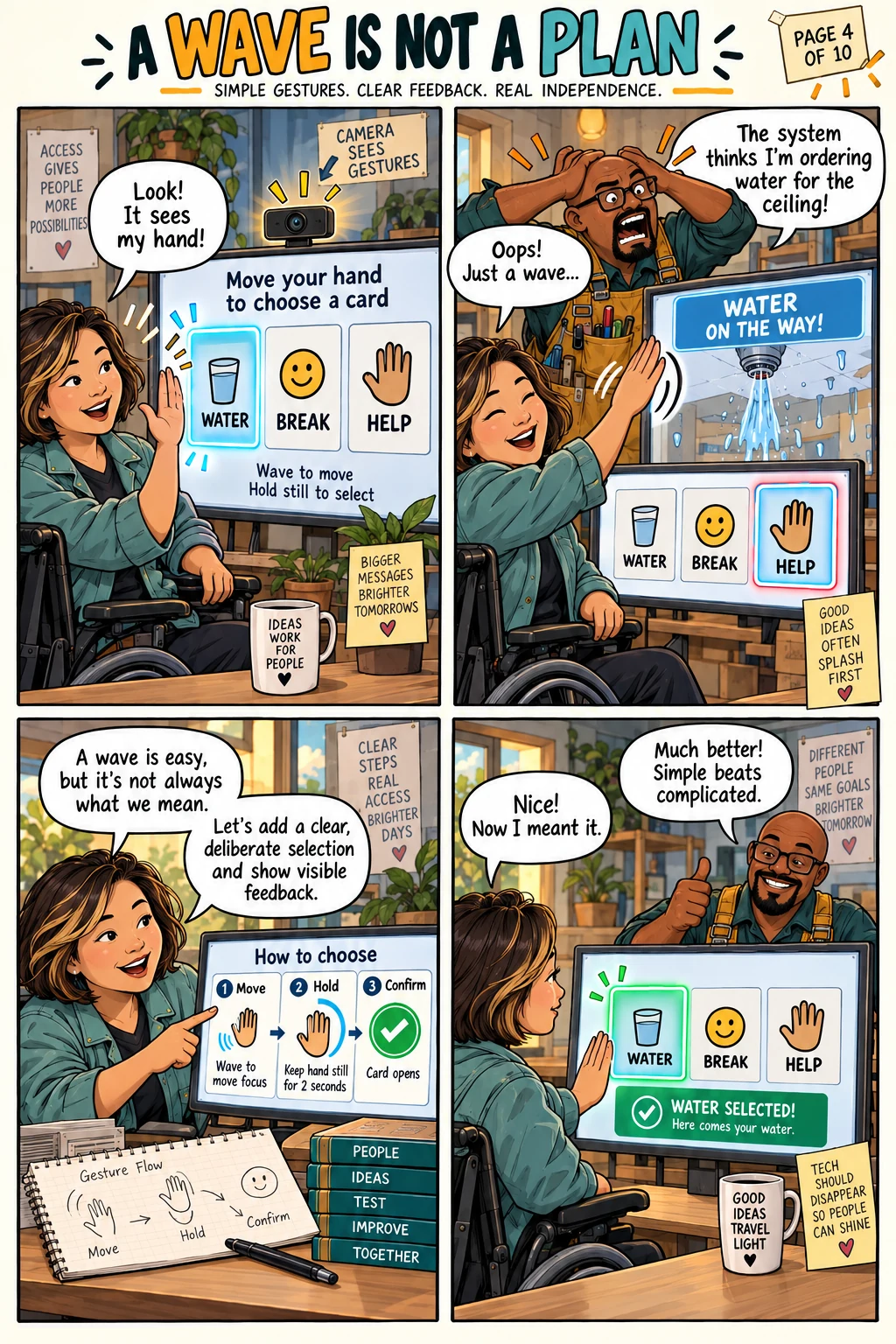
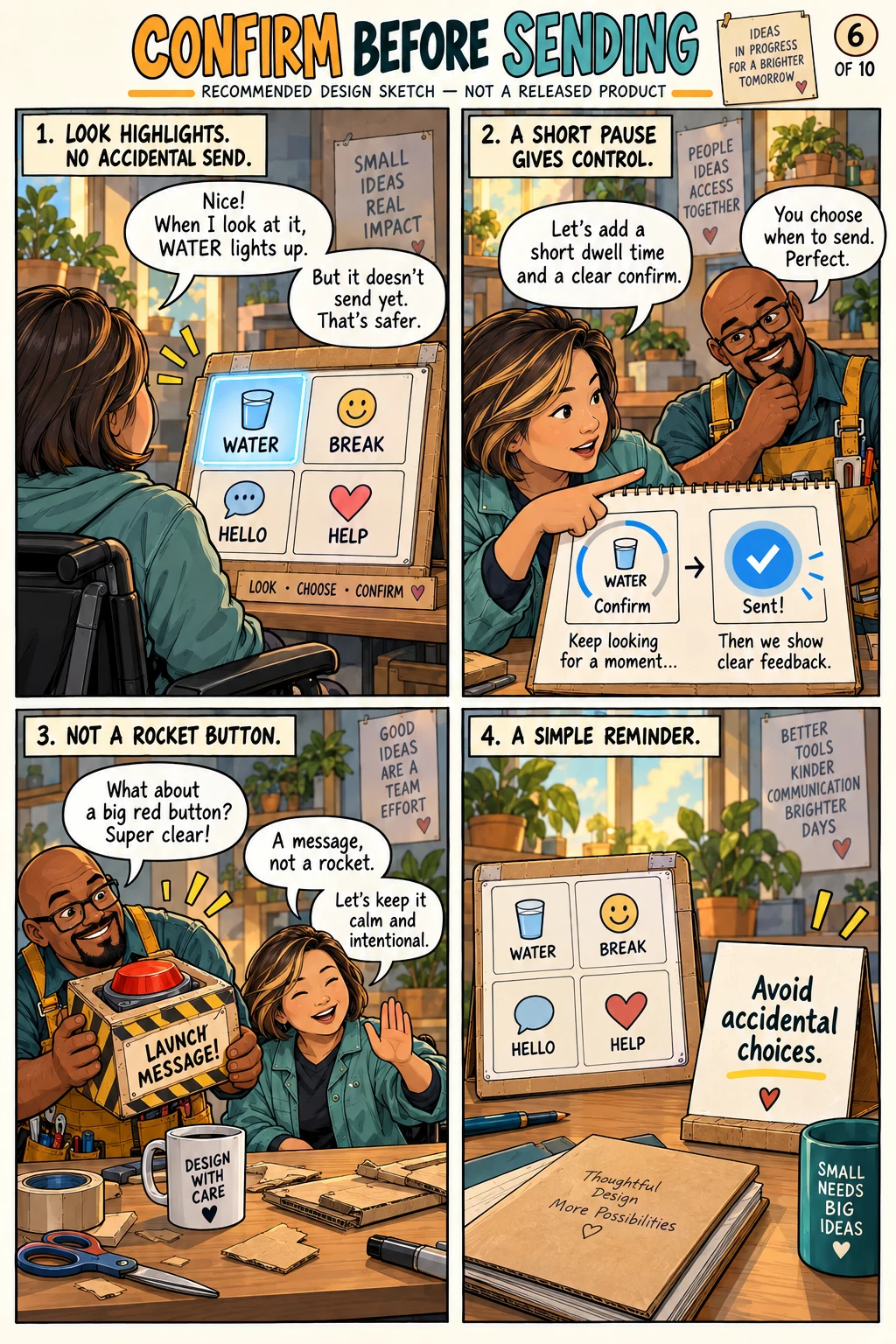
Make a small set of large, readable message choices. A compatible device and camera can provide the input route described in Patrick’s post. The loop is: show choices, notice the intended choice, give clear feedback and send a message only when the choice is deliberate. A short pause or separate confirmation can be a useful design experiment to prevent mistakes, but the comic does not claim that this exact interaction is in Reach. Keep setup steps short enough for the intended person or helper to repeat.
3. Test in the room, with consent.
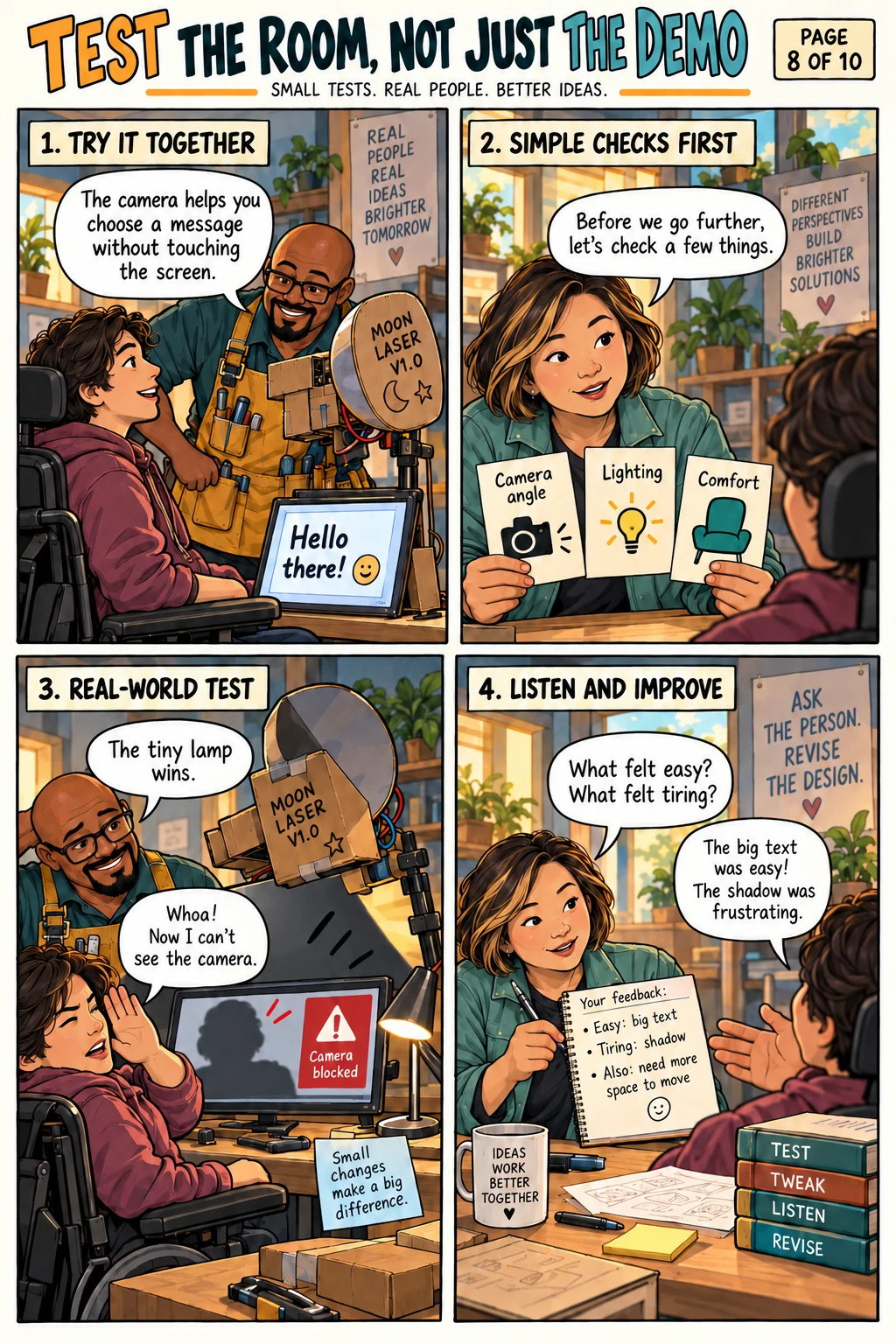
Try the prototype with an intended user who agrees to the test. Check camera position, lighting, target size, comfort and fatigue; ask which mistakes are confusing or tiring. Observe the full path from opening the page to sending a message, not just a polished demo. Record blockers before adding more features. A real test may show that a simpler input method, different phrase or different device works better.
4. Make the words belong to the speaker.
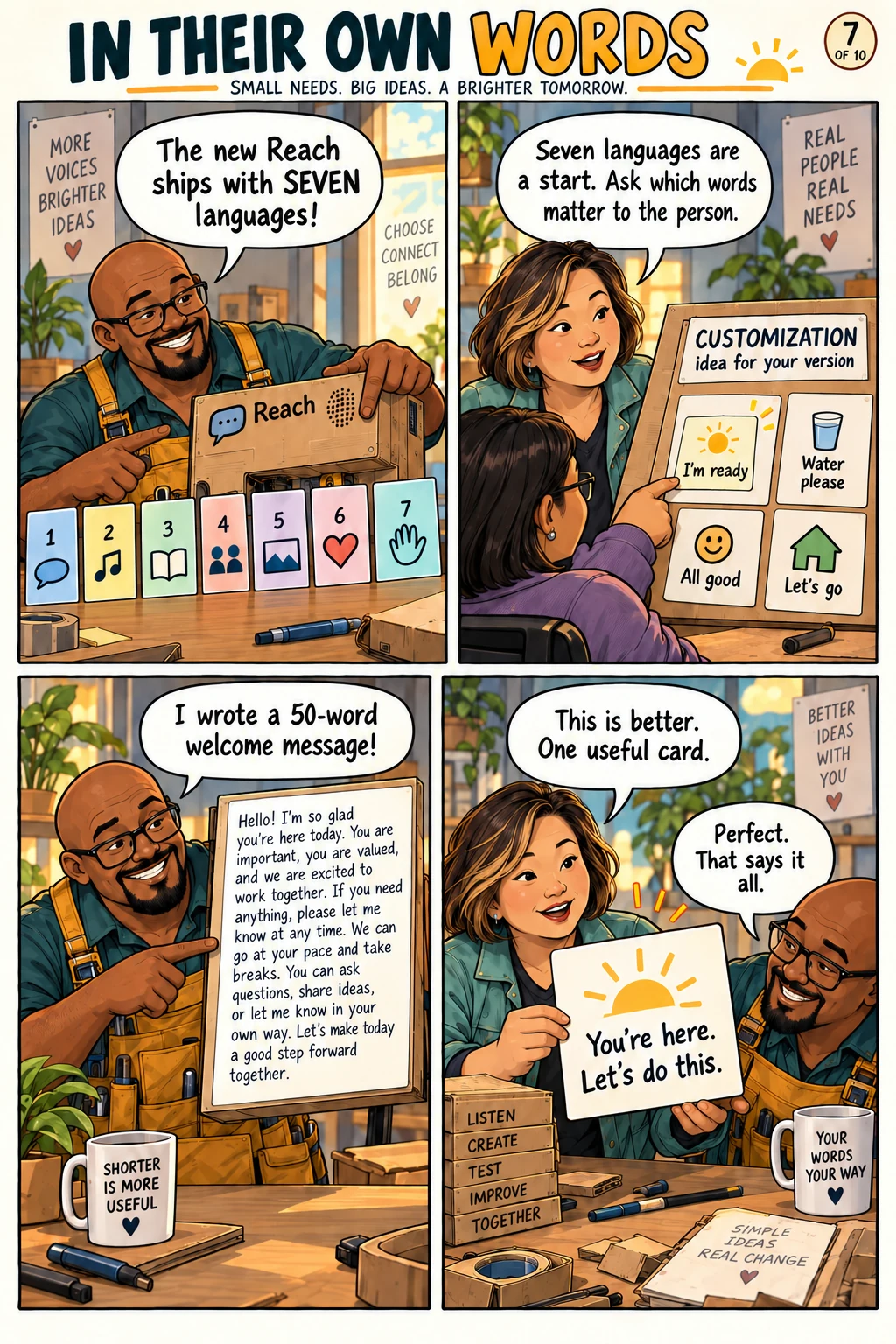
Patrick’s follow-up says Reach includes seven languages. For your own version, ask which language and everyday phrases the person actually wants. Personalized phrases are a future-design suggestion in this comic, not a verified released Reach feature. Avoid deciding another person’s voice for them, even when a generic message looks convenient on a demo screen.
5. Share the working parts and limits.
Publish clear setup steps, the supported device/camera assumptions, known problems and a way to give feedback. If the project is yours to share, make the source and design decisions available for others to improve. Patrick chose to make Reach free and open its repository. The useful handoff is an honest, testable prototype rather than a claim of universal accessibility or a medical substitute.
Where the story came from
Read Patrick’s original LinkedIn post and follow-up ↗. The cardboard moon laser, paper price-tag monster, dialogue and lab scenes are fiction. The source describes Reach and the personal problem behind it. The five-step reader challenge is this comic’s practical adaptation.