FROM COMIC TO PRACTICE / POST 001
Build a small AI context lab.
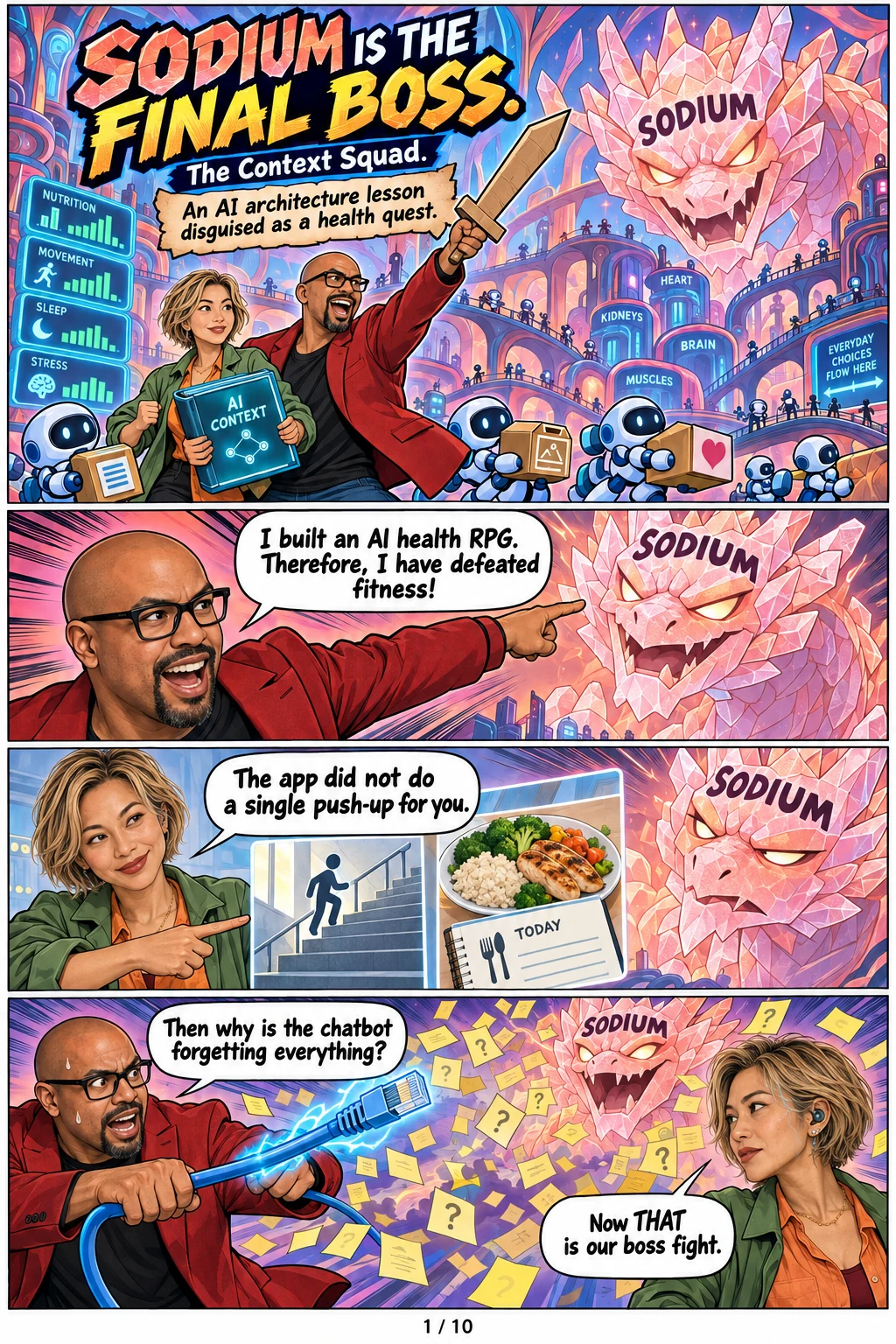
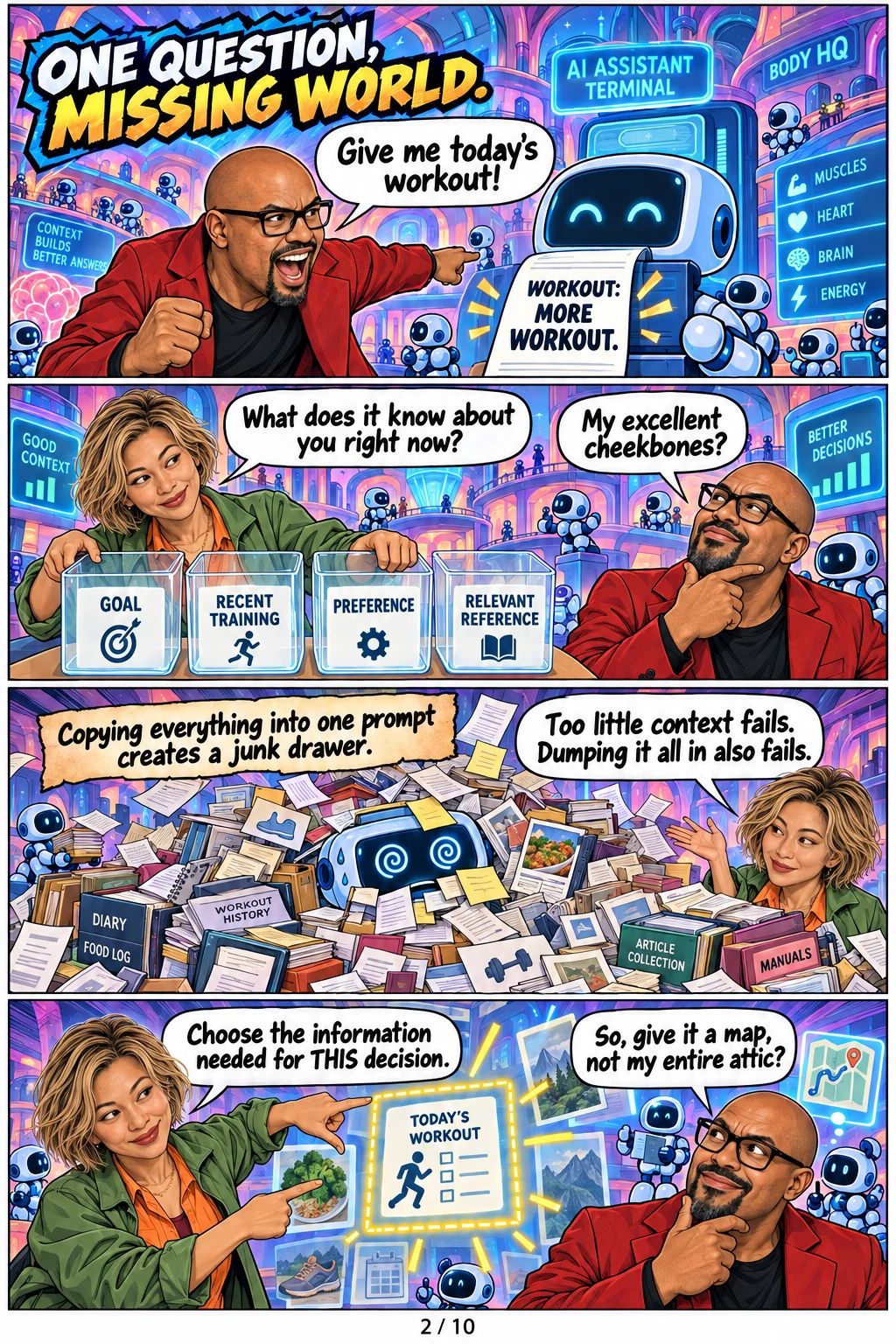
LifeQuest taught Patrick how to make an assistant use the right information at the right time. The same pattern works in a small personal experiment or an enterprise workflow.
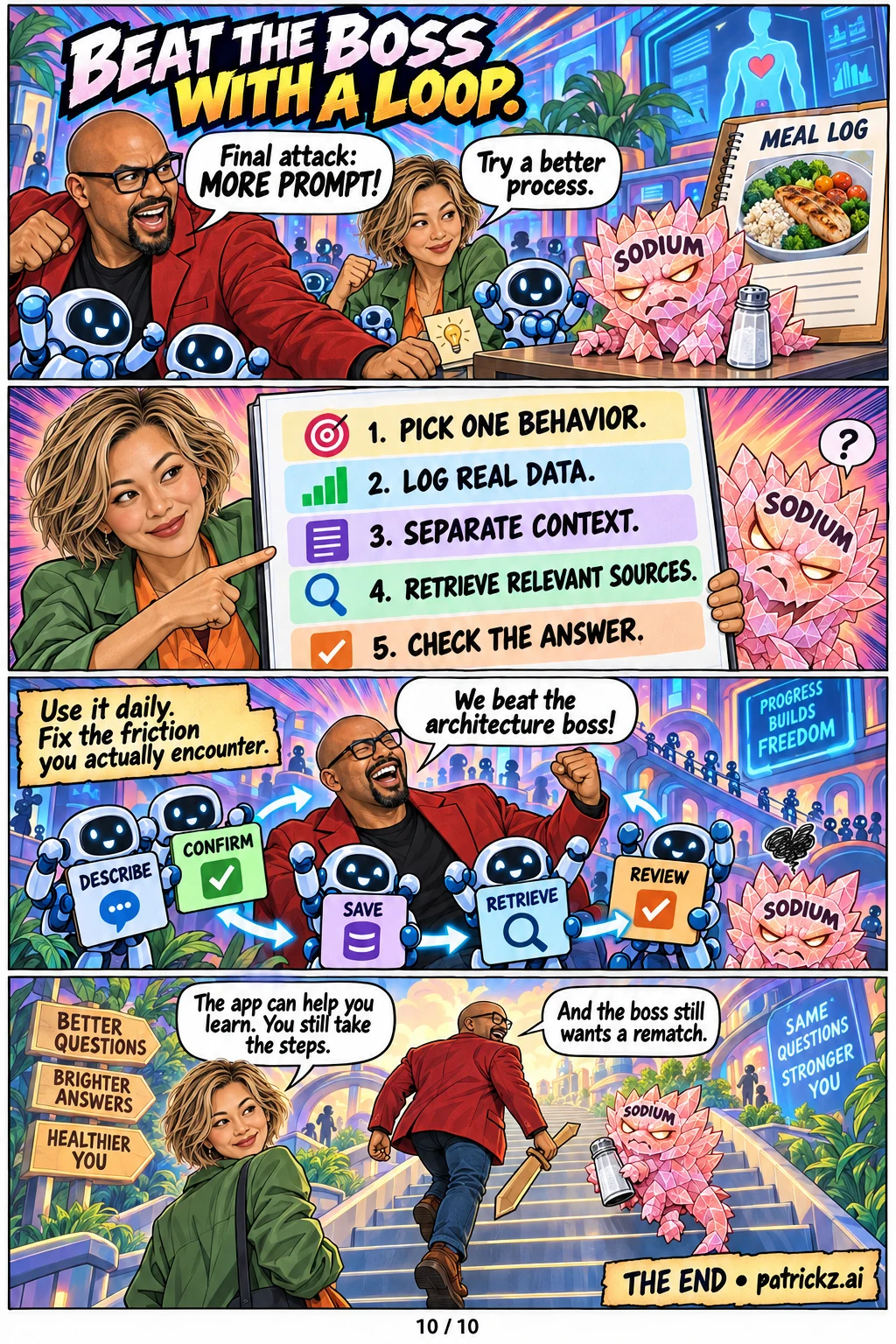
1. Pick one recurring behavior.
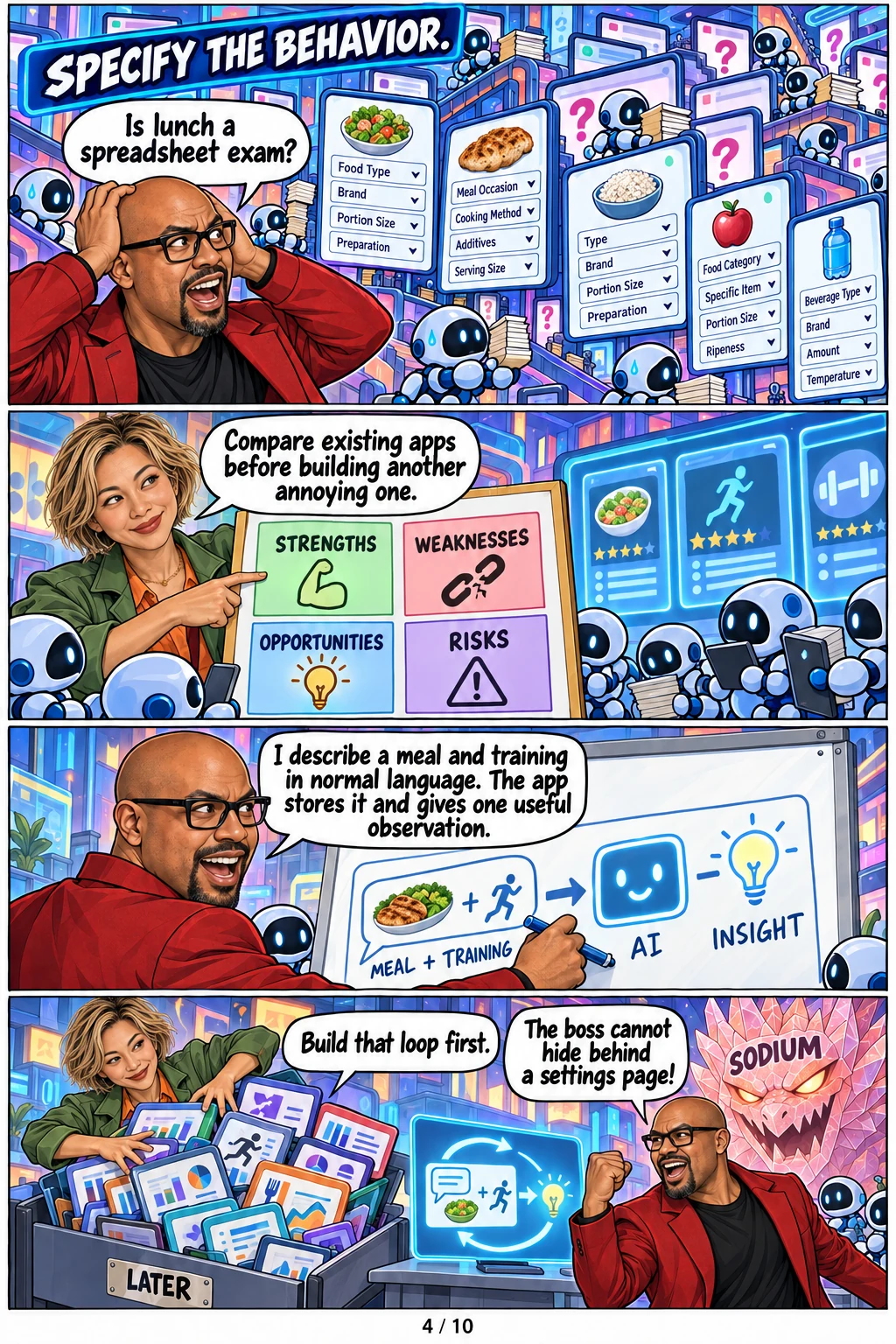
Choose something mildly annoying that you will really use. Patrick wanted to describe meals and training in normal language, then get an observation grounded in his history. Write that behavior as one sentence before asking an agent to build screens.
2. Compare existing tools.
Ask what current apps do well, where they create friction and what constraints matter to you. Patrick used a SWOT analysis of fitness apps and named his dislike of repetitive data entry. A useful first version changes the troublesome interaction, not just its colors.
3. Build one complete loop.
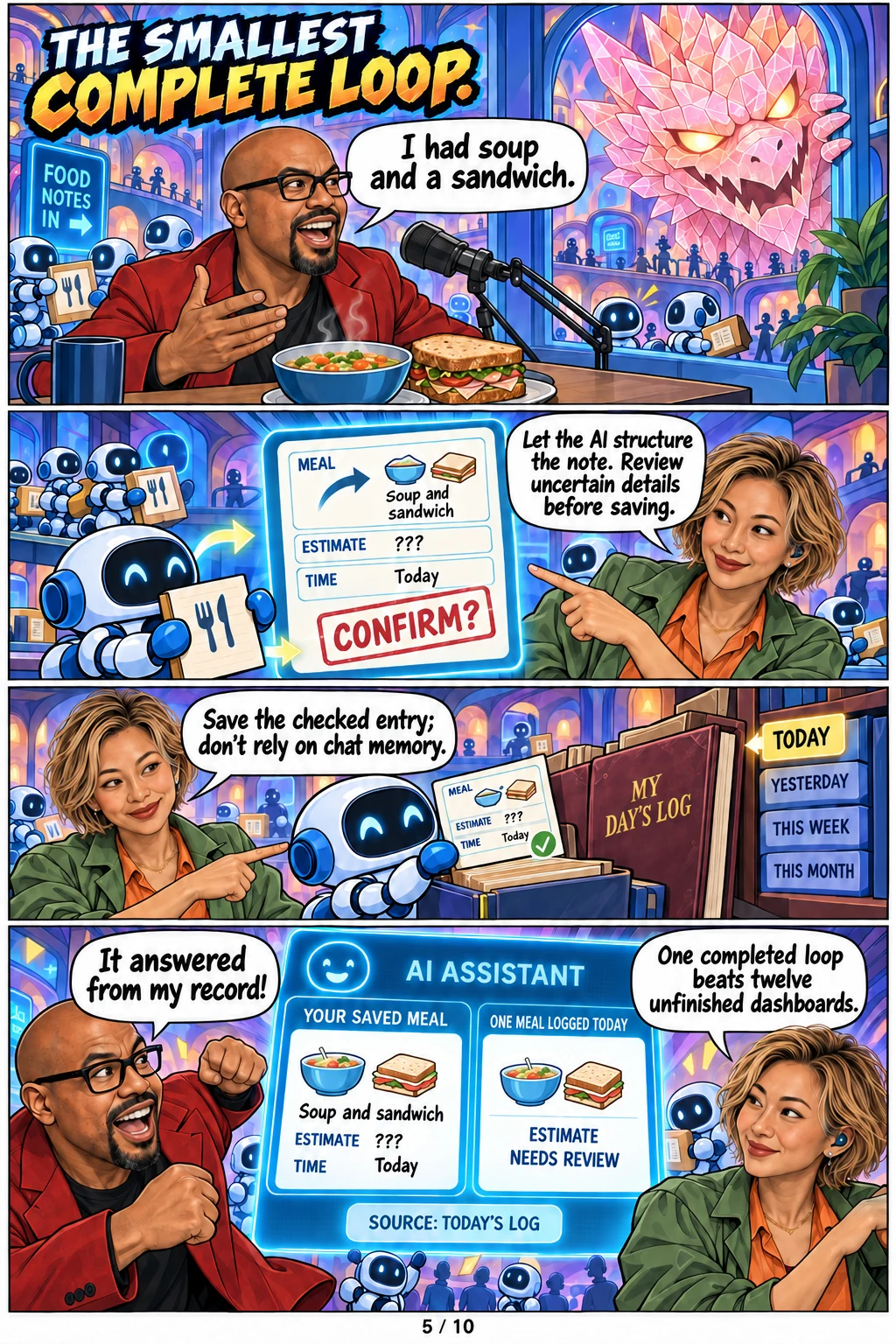
Capture a fictional meal note, turn it into a structured record, let the person correct uncertain details, save it, and show one observation supported by that record. One entry can show what was logged; it cannot establish a trend. Keep review and correction visible.
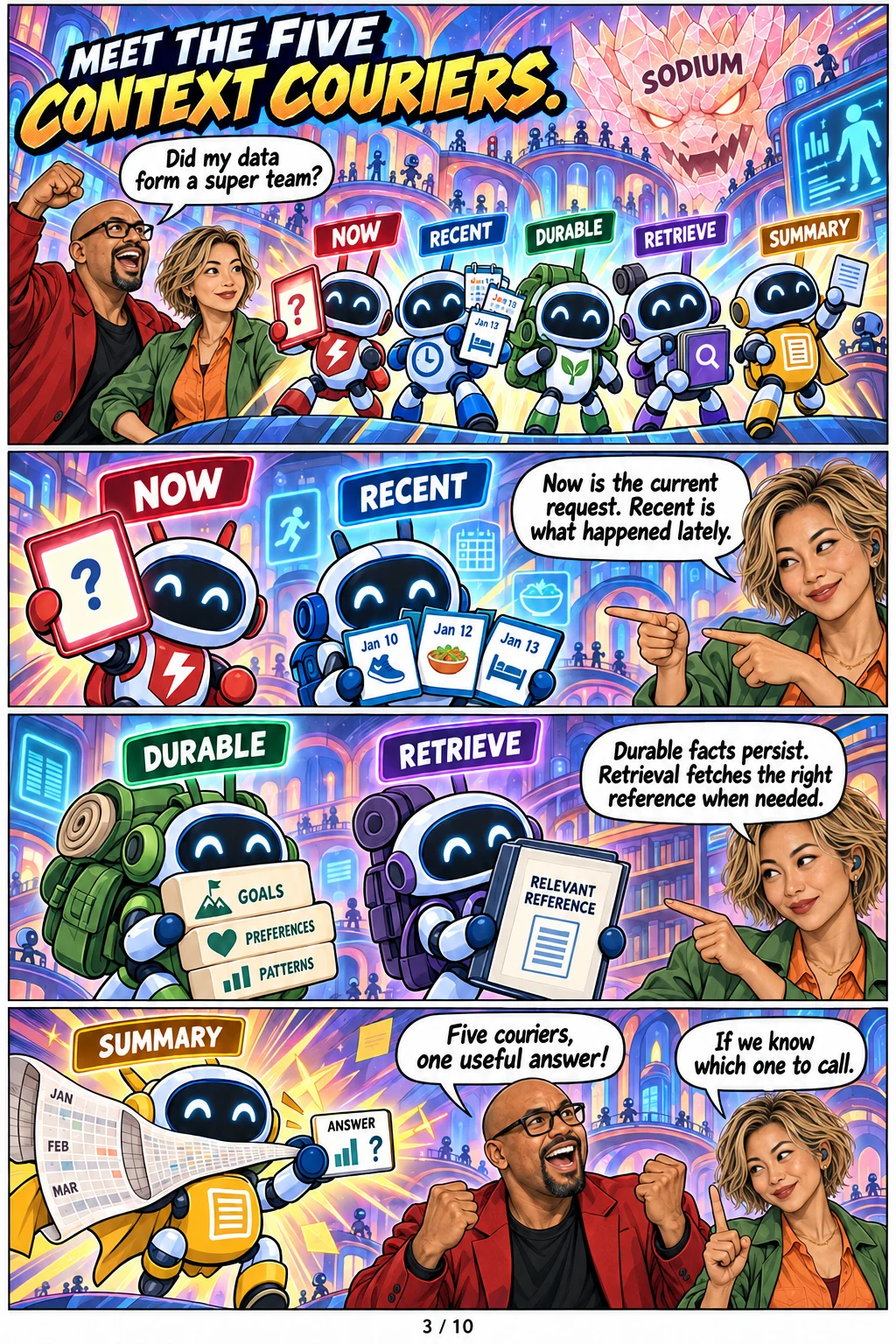
4. Give each type of context a job.
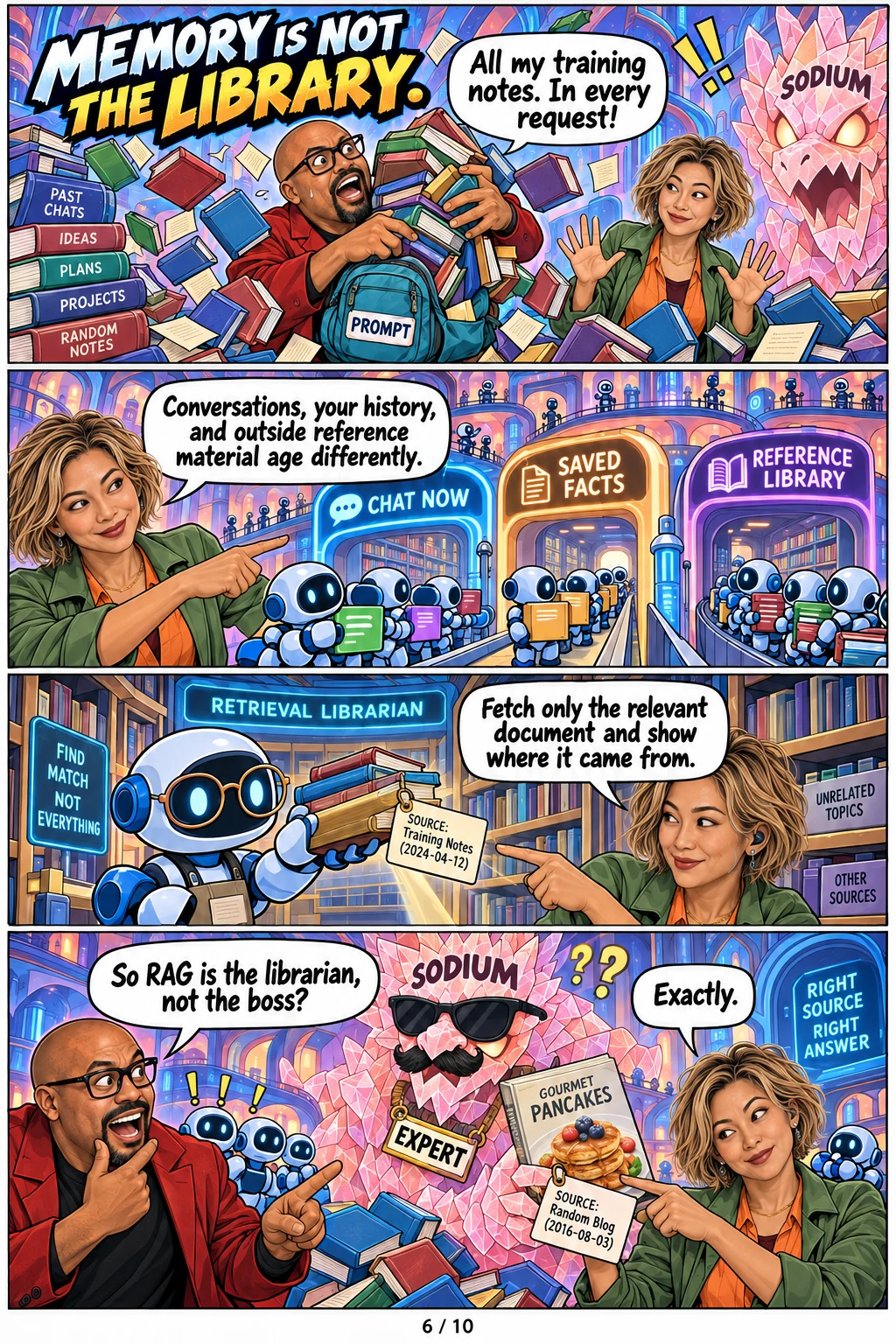
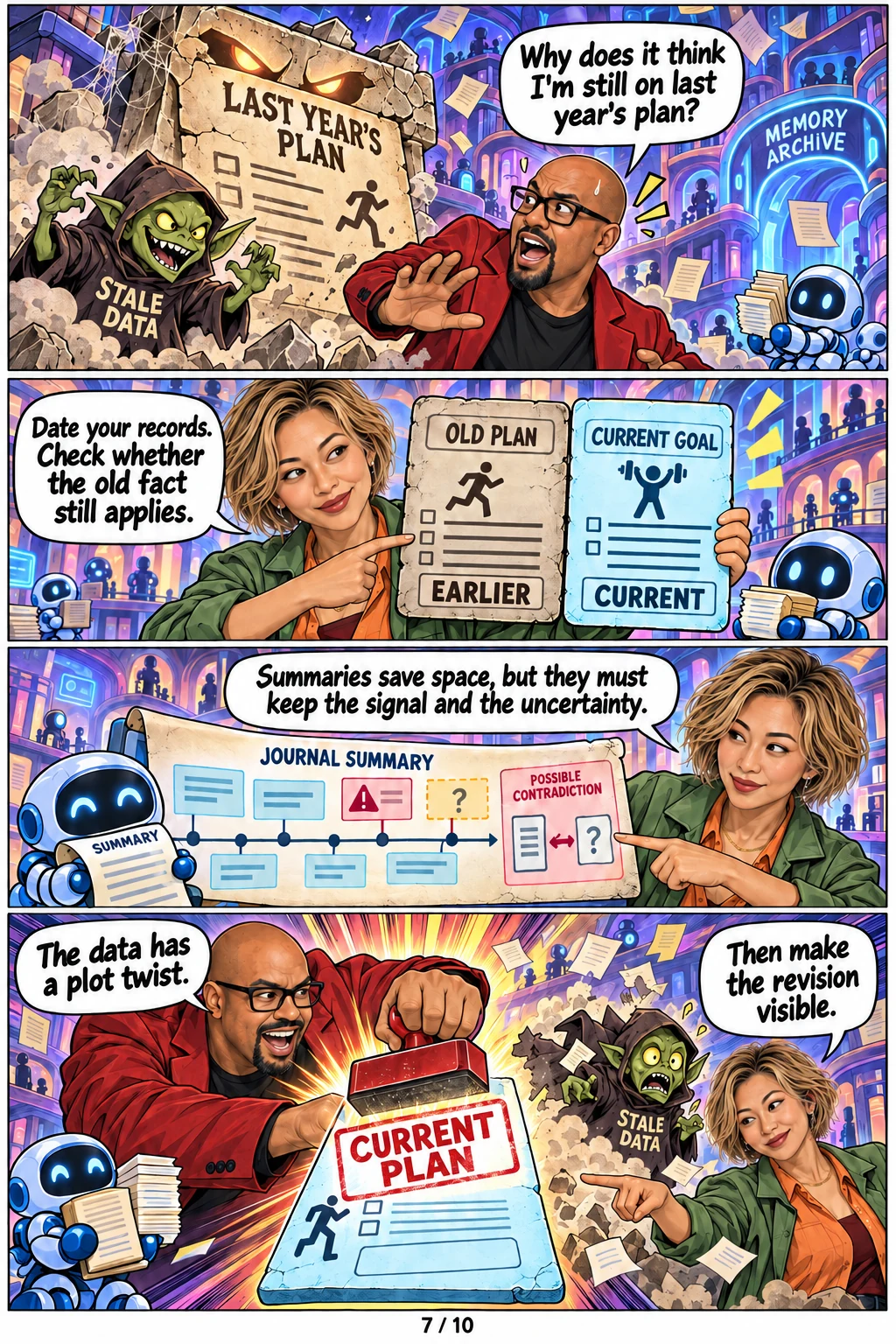
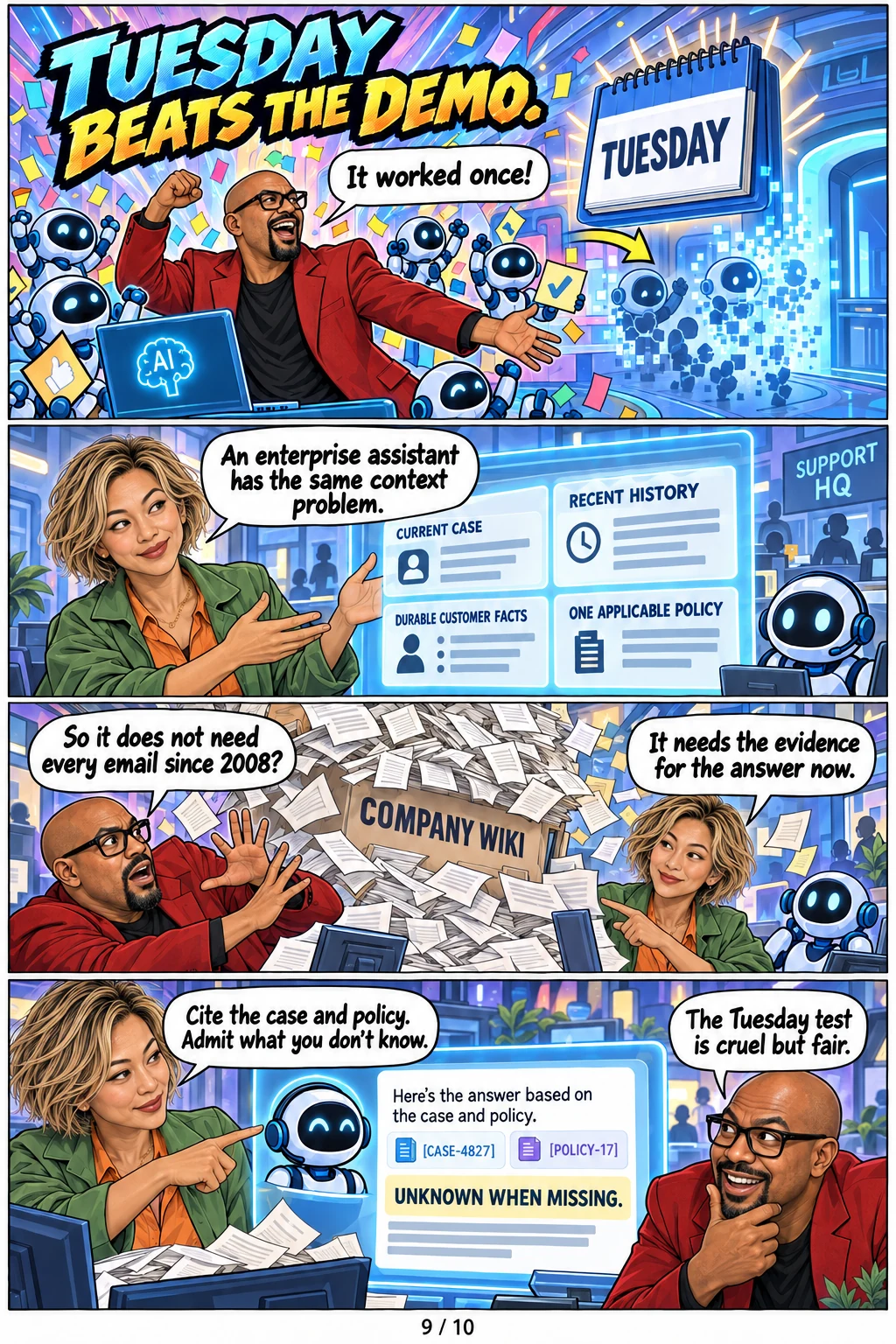
Store durable records apart from the chat. Retrieve only the reference material needed for the current question. Date facts, keep their source, and make corrections visible so old material does not quietly overrule new information.
5. Test it on an ordinary Tuesday.
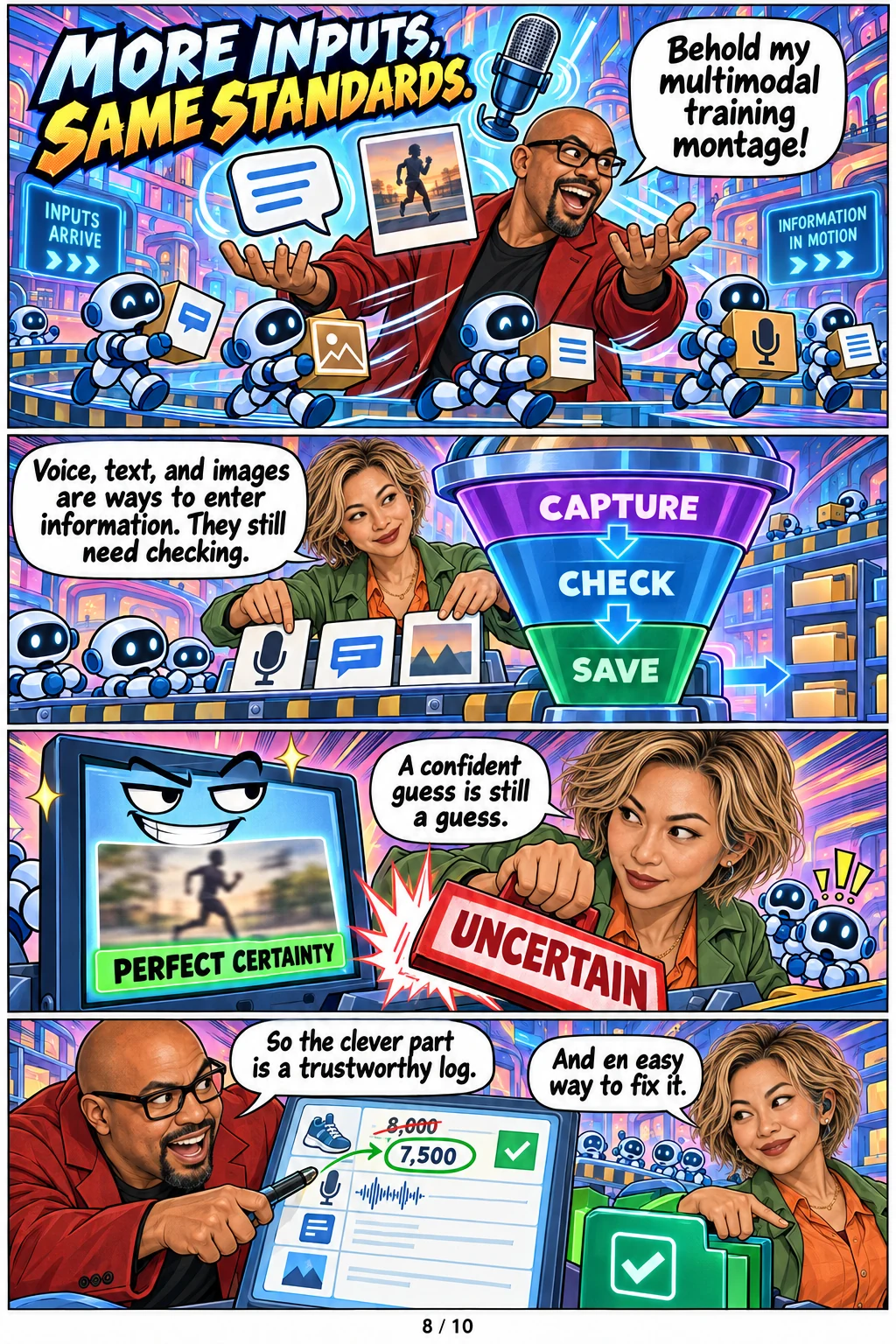
Try an incomplete entry, a changed goal, a blurry image, a voice transcription error and a question the records cannot answer. The assistant should show which record or document supported an answer and say when it does not know. Review the output yourself. Technical correctness and day-to-day usefulness are different tests.
Where the story came from
Read Patrick’s original LinkedIn post ↗. He described LifeQuest as a personal AI architecture experiment involving health data, journal entries, durable storage, retrieved training knowledge and recent conversation. The comic’s couriers, body-city and dragon are original teaching metaphors. This guide explains software design; it is not health advice.